Getepic.it.com offers informative articles and helpful resources for parents, educators, and students interested in digital learning.
Simple guides, honest reviews and practical helpers for Epic, children’s books and reading at home or in the classroom.
Getepic Guide Blogs
Fresh guides, reviews and tutorials from our blog. Learn how Epic works, fix login problems, compare plans and find books your child will enjoy.
 Getepic BlogGetEpic Review 2026: Is Epic Worth It for Kids?Read article →
 Getepic BlogEpic Student Login: How to Use kids.getepic.com/studentsRead article →
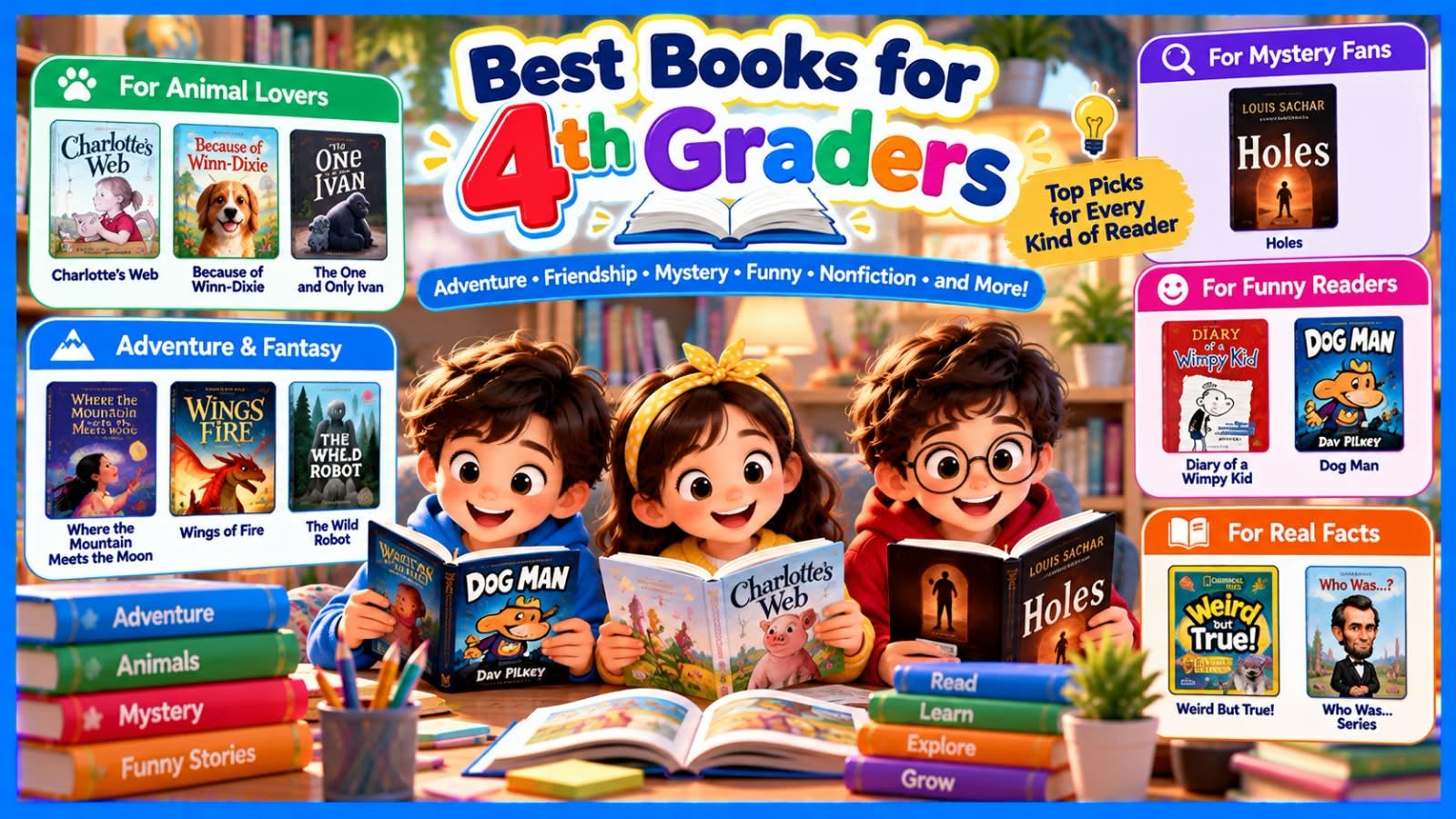 Getepic BlogBest Books for 4th Graders: 25 Picks Kids Will Want to ReadRead article →
 Getepic BlogEpic Games Login: Official Sign-In and Account HelpRead article →
 Getepic BlogCat Ninja Cat: Meet the Cat Who Saves Metro CityRead article →
Epic: What It Is and Who It Is For
Epic is a digital reading platform made for children aged 12 and under. It brings ebooks, Read-To-Me titles, audiobooks and learning videos together in one online library, and it works in a web browser and in the Epic app on supported phones and tablets. Epic says its library holds more than 40,000 books and learning resources, although the collection and features can change over time.
Three groups use Epic in different ways. Parents choose a family plan for reading at home, teachers use Epic School in the classroom, and students sign in with a class code that their teacher provides. That is why the word “Epic” can feel confusing: the right sign-in route depends on who you are.
It also helps to know that Epic is not the same as Epic Games, a separate company known for video games. If a page asks for game details when you wanted books, you are probably on the wrong website.
Use the practice helper to check which Epic you need, then read our full guide for the details. Prices, trials and school access rules change, so confirm them on the official Epic website before you sign up.
Read the full Epic guide →Which Epic Do You Mean?
Epic Reading: Build a Daily Habit
Epic reading means using Epic’s library as part of a regular routine, whether that is ten minutes after school or a chapter before bed. The platform offers picture books, chapter books, nonfiction, graphic novels, audiobooks and Read-To-Me titles, so children can switch formats depending on their mood and confidence.
A routine works best when it is small and realistic. Younger children often do well with about ten minutes, while older readers can build up to twenty or thirty. Let your child choose from two or three suitable titles instead of the whole library, because too much choice can slow a child down. Afterwards, ask one simple question about a character or a new fact.
Audio features can help, yet they do not replace practice. A Read-To-Me book lets a child follow highlighted words, and an audiobook builds listening skills and vocabulary. Mix both with time spent reading the page.
No app guarantees better reading skills, so treat Epic as one helpful resource beside printed books, school libraries and conversation. The planner turns your daily minutes into a weekly, monthly and yearly estimate, so you can set a goal your family can keep.
Read the Epic Reading guide →Reading Time Planner
GetEpic: The Website Behind the Library
GetEpic usually points to getepic.com, the official website of the Epic reading platform. People type “getepic” into a search box when they want to sign in, find the student page or check plans. Our site, getepic.it.com, is different. We are an independent guide that explains how Epic works, and we are not affiliated with Epic.
On the official site you can explore the library, create a family account, open the educator page or find the Help Center. Epic offers several access options. Epic School is free for eligible educators and their students during school hours on weekdays, Epic School Plus is a paid option for schools, and Epic Family is a subscription for reading at home. Terms, trials and prices change by date and region, so always check the current details there.
A good first step is to decide why you are visiting. Are you a parent who wants home reading, or a teacher planning a class? The fit finder matches your situation to the most likely route, using general information only. It cannot see or change any Epic account.
Read our GetEpic review →Fit Finder
Epic Books: Find the Right Title
Epic books cover far more than bedtime stories. The library includes picture books, early readers, chapter books, graphic novels and nonfiction about science, animals, space and history, and many titles come with narration. Because the collection is large, the real skill is knowing what to type in the search bar.
Start with a topic your child already loves, then add a format such as audiobooks or graphic novels. Short phrases usually work better than long sentences. If you want an easier read, add words like beginner or first reader. If you want facts, add the word facts.
Always check a title before you hand it over. Read the description, look at the age or level information, and preview a few pages together. If a book feels too hard, read it aloud or choose a simpler one. If it feels too easy, use it as a confidence builder before moving to something longer.
Availability depends on your account and can change over time, so search for an important title before you rely on it. The search helper below gives you four ready-made phrases to try in Epic’s search bar.
Browse our book guides →Book Search Helper
Epic Login: Pick the Right Sign-In Route
Epic login is simple once you choose the right door. Parents with a family account use the official Epic sign-in page and the parent option, with the email and password linked to the account. Students in a classroom use a class code instead, and educators use the educator route to reach their dashboard.
Most problems come from mixing these routes up. A class code will not work on the parent page, and a parent password will not work as a class code. A school email can also differ from the email used for a family account, so check which one you used.
If sign-in fails, slow down. Check the spelling of your email, use the reset option for a forgotten password and look in your spam folder for the message. Refreshing the page, trying another browser or updating the app solves many loading problems.
Never share your password with anyone offering help on an unofficial site. Choose your role and situation below to see a short list of steps. The helper never asks for a password and does not connect to Epic.
Read the Epic login guide →Login Route Finder
Epic Student: Class Code Login Made Simple
Epic student access usually starts with a class code. A teacher who uses Epic School creates a classroom and shares the code, and students enter it on the Epic student login page or in the Epic app. After that, each student picks their own name or profile from the class list.
A class code is not a personal password. It connects a student to the teacher’s classroom, so it should be typed exactly as given and never posted on a public website. If the code is rejected, the cause is often a small typing mistake or a code that is no longer current. Ask your teacher to confirm it.
Epic describes Epic School access for school days, Monday to Friday, during stated school hours. That means a student may not be able to open books at night or at the weekend with a class code. A parent’s family account follows different rules, so check which account you are using before you decide something is broken.
Tick each step below to see whether you are ready to sign in. The checklist stores nothing and never asks for the code itself.
Read the student login guide →Student Login Checklist
Epic Digital Library: Keep Your Own Reading List
An Epic digital library gives children access to thousands of books and videos on a phone, tablet or computer. That convenience helps families who travel, share devices or want more variety than a small shelf at home can offer. Children can follow their curiosity from one topic to the next without a trip to the shop.
A large library has a downside. It is easy to forget a great title or to scroll without choosing anything. Keeping a short reading list solves this. Write down books your child enjoyed, books a teacher suggested and topics you want to explore next, then work through the list one title at a time.
Balance matters too. Digital reading works well beside printed books, school and public libraries and shared reading with an adult. Choose a comfortable spot, take breaks and talk about what your child read.
Use the list builder below to save titles in your own browser. It never leaves your device, you can remove items at any time, and the copy button lets you share the list with a teacher or family member.
Read our reading guides →My Reading List
Popular Kids’ Books Readers Love
These well-known titles are often searched by families, and each one helps young readers in a different way. We do not show cover images. Titles on Epic change over time, so search the name on the official Epic website to see what your account offers.
Big Nate
Lincoln Peirce
Comic-strip chapters and quick jokes make reading feel light, so reluctant readers build stamina without pressure. Following dialogue and pictures also practises inference, and the school-life stories give children easy things to talk about.
Cat Ninja
Graphic novel series
Fast action and humor keep graphic-novel fans turning pages. Reading panel by panel teaches sequencing and prediction, and publisher listings place individual titles at ages 9 to 11.
Wings of Fire
Tui T. Sutherland
A long fantasy series builds stamina, vocabulary and the habit of following a big cast of characters. Each ending pulls readers into the next book, which keeps a reading habit going.
Make Way for Ducklings
Robert McCloskey
A classic picture book that shows clear story structure, setting and character choices. It works well as a read-aloud and a talking point about community and kindness.
Charlotte’s Web
E. B. White
A classic chapter book with rich vocabulary and big themes such as friendship and loss. It is ideal for reading together and for discussing feelings and choices.
The Very Hungry Caterpillar
Eric Carle
Repetition, counting and days of the week help early readers feel successful. The story also introduces the idea of a life cycle in a simple way.
Diary of a Wimpy Kid
Jeff Kinney
The diary format with cartoons feels easy to pick up and keeps humor front and centre. Relatable situations motivate children who say they do not like reading.
The Magic School Bus
Joanna Cole and Bruce Degen
Science explained through a story mixes fiction with real facts. It grows vocabulary and curiosity, and it suits children who ask a lot of “why” questions.
Tip: Let your child choose one title from this list, read the first few pages together and ask what they liked. Interest is the best way to make reading stick.
Questions People Ask About Epic
What is GetEpic?
GetEpic usually means getepic.com, the official website of Epic, a digital reading platform for children aged 12 and under. It offers ebooks, audiobooks, Read-To-Me titles and learning videos. Getepic.it.com is an independent guide site and is not the official service.
Is Epic free for kids?
Epic offers different options. Epic School is free for eligible educators and their students during school hours on weekdays, while Epic Family is a subscription for home reading and may include a trial. Prices and offers change, so check the official Epic website before you sign up.
How do students log in to Epic?
Students usually open the Epic student login page or the app, choose the class-code option, enter the code from their teacher and pick their own profile. If the code does not work, check the spelling and ask the teacher to confirm that it is current.
What age is Epic for?
Epic describes its library as made for children aged 12 and under. Each title has its own age guidance, so parents should preview a book and choose simpler or harder material to suit the child.
Is Epic the same as Epic Games?
No. Epic is a children’s reading platform at getepic.com, while Epic Games is a separate company known for games such as Fortnite. They use different websites and different accounts, so check the address before you sign in.
About Getepic.it.com
Getepic.it.com is an independent informational website for parents, educators and students who want to understand digital reading and learning. We write simple guides about Epic, the children’s reading platform, so that families and classrooms can get started with confidence.
We publish articles, reviews and how-to guides on topics such as Epic login, student class codes, reading routines and children’s book lists. Each guide uses plain English, practical steps and, where it helps, a small practice helper that runs in your browser.
How we work
- We study the official Epic website and public information first.
- We rewrite the details in short, clear sentences.
- We update pages when plans, prices or steps change.
What we are not
We are not Epic and we are not affiliated with, endorsed by or connected to Epic or its parent companies. We cannot sign you in, recover accounts or give billing support. All trademarks, names and logos belong to their owners and appear only for identification. For official help, please use the official Epic website.